Start Sampling
The signals for each GPIO specified with the -p option of the la command will be displayed as D2, D3, D4, etc.
By default, the number of samples is set to 1k samples and the sampling rate to 5 kHz. Change these as follows:
- Number of samples: Set to the maximum
1 G samples - Sampling rate: Set appropriately for the frequency of the signal to be observed. Here, set it to
15 MHz.
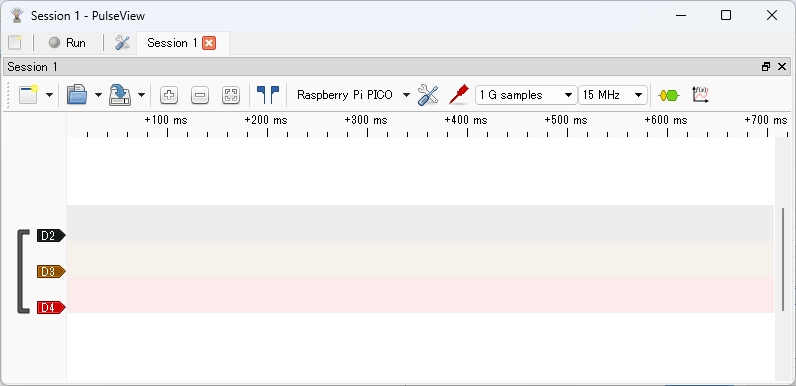
Now you can operate pico-jxgLABO on the Pico board from PulseView. Click the Run button at the top left to start capturing signals (the label changes to Stop).
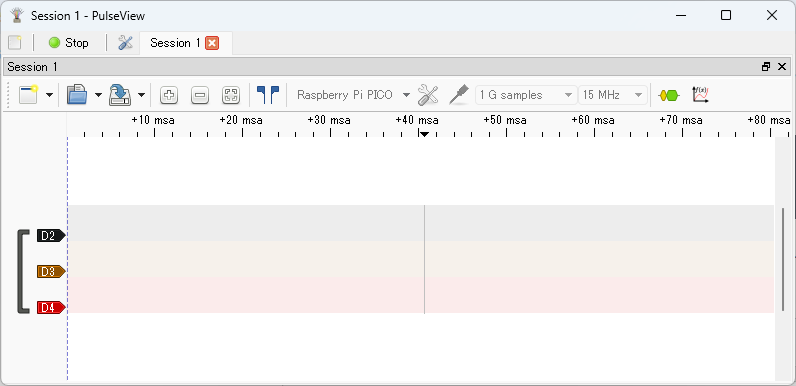
Click the Stop button to stop capturing and display the observed waveform. If no signal is being generated, nothing will be displayed yet.
Now, let's generate various signals and observe their waveforms!